🐧 My Linux Productivity Stack for Developers
Linux has been my daily development environment for years.
Not because it is trendy, but because it gives control, speed, and
simplicity.
Over time I've refined a productivity stack that helps me:
- Move faster when coding
- Reduce context switching
- Keep the system lightweight
- Automate repetitive tasks
This article shares the tools and workflow that currently power my Linux development environment.
Desktop Environment: Minimal but Efficient
I prefer a minimal desktop setup that focuses on productivity rather than visual complexity.
Typical setup:
- Window manager or lightweight desktop
- Keyboard‑driven navigation
- Few background services
- Clean workspace layout
The goal is simple:
your system should never fight your workflow.
Terminal: The Real Power Tool
Most of my work happens in the terminal.
Key tools:
- Terminal emulator: Alacritty / Kitty
- Shell: Zsh
- Prompt: Starship
- Multiplexer: tmux
Example workflow:
- Split panes for server logs
- Run dev server in another pane
- Execute git commands quickly
The terminal becomes a command center for development.
Code Editor
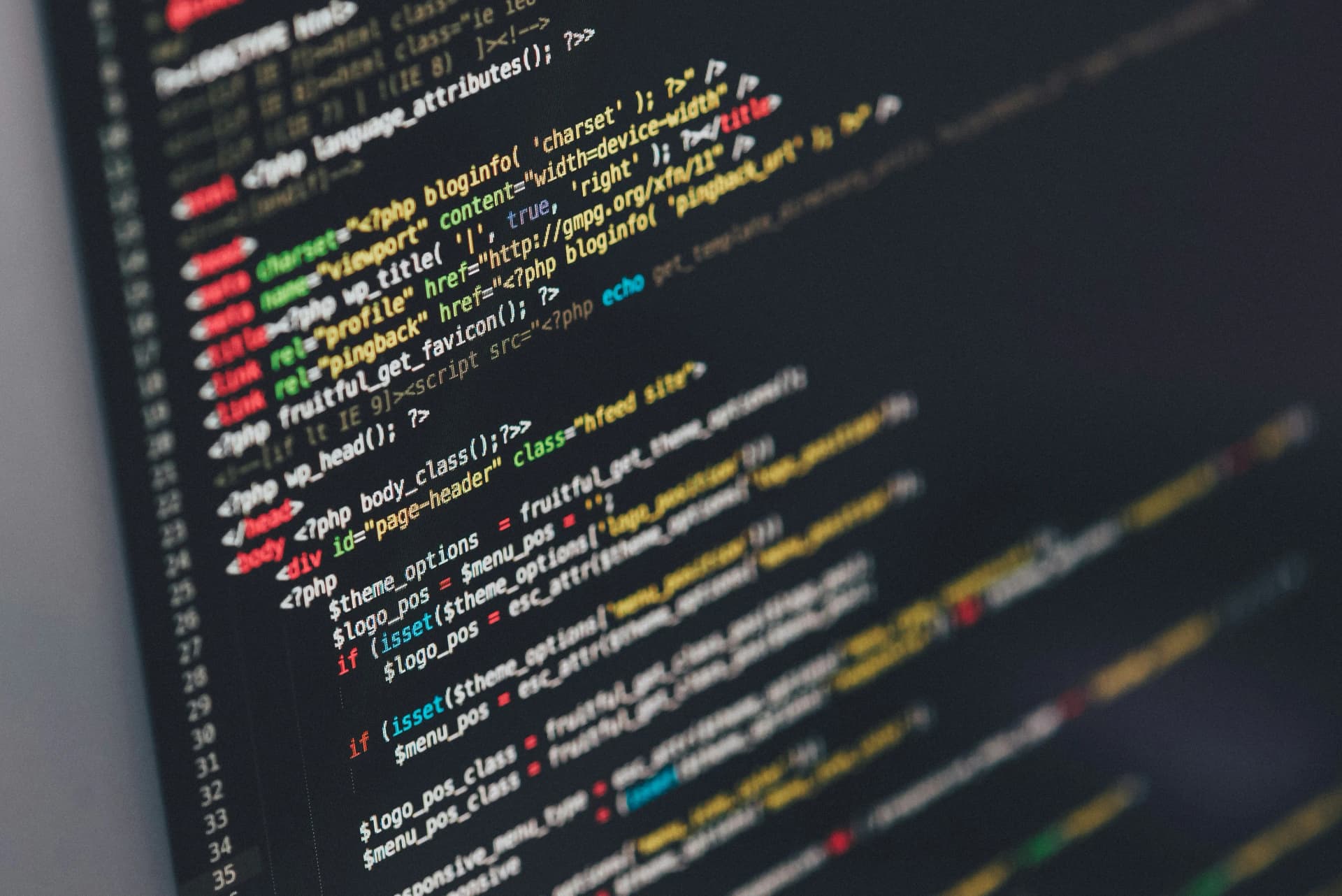
My primary editor is:
Visual Studio Code
But configured carefully to avoid bloat.
Essential extensions:
- GitLens
- Tailwind CSS IntelliSense
- ESLint
- Prettier
- Docker
The goal is not to install many plugins, but to install only what improves the workflow.
Git Workflow
Version control is the backbone of professional development.
Core tools:
- Git CLI
- GitHub
- Conventional commit messages
Typical workflow:
git checkout -b feature/api-auth git commit -m "feat: implement JWT authentication" git push origin feature/api-auth
Keeping commits clean helps future debugging and collaboration.
Database & Backend Tools
For backend development I usually rely on:
- PostgreSQL
- MySQL
- Redis
Helpful utilities:
- TablePlus / DBeaver
- pgcli or mycli for terminal database access
Using CLI tools reduces friction when working with databases frequently.
Containers & Local Environments
Modern development benefits greatly from containers.
Key tools:
- Docker
- Docker Compose
This allows:
- Reproducible environments
- Easy service orchestration
- Consistent development setup across machines
Example services:
- API server
- Database
- Redis cache
Task Automation
Automation removes repetitive work.
Simple tools I use:
- Makefile
- npm scripts
- shell scripts
Example:
make dev
Which may run:
- start containers
- run migrations
- start development server
Small automations compound into large productivity gains.
Note Taking & Knowledge Management
Developers constantly learn.
I keep technical notes using:
- Markdown files
- Git repositories
- Simple folder structure
Benefits:
- searchable knowledge
- versioned learning
- easy sharing
Over time this becomes a personal engineering knowledge base.
Final Thoughts
Linux is not just an operating system --- it is a productivity platform for developers.
The key is not installing many tools, but building a coherent workflow that reduces friction.
My guiding principles:
- Prefer keyboard over mouse
- Automate repetitive tasks
- Keep the system minimal
- Optimize for focus
A well-designed development environment doesn't just make coding faster --- it makes thinking clearer.